Build in Public
Design captivating graphics for your daily social media updates on Twitter, LinkedIn, and Facebook.
Why SaaS founders love BrandBird

Increase visibility and brand awareness
Grab the attention of your audience & potential customers and increase your brand recognition with beautiful Twitter graphics.

Boost engagement and impressions
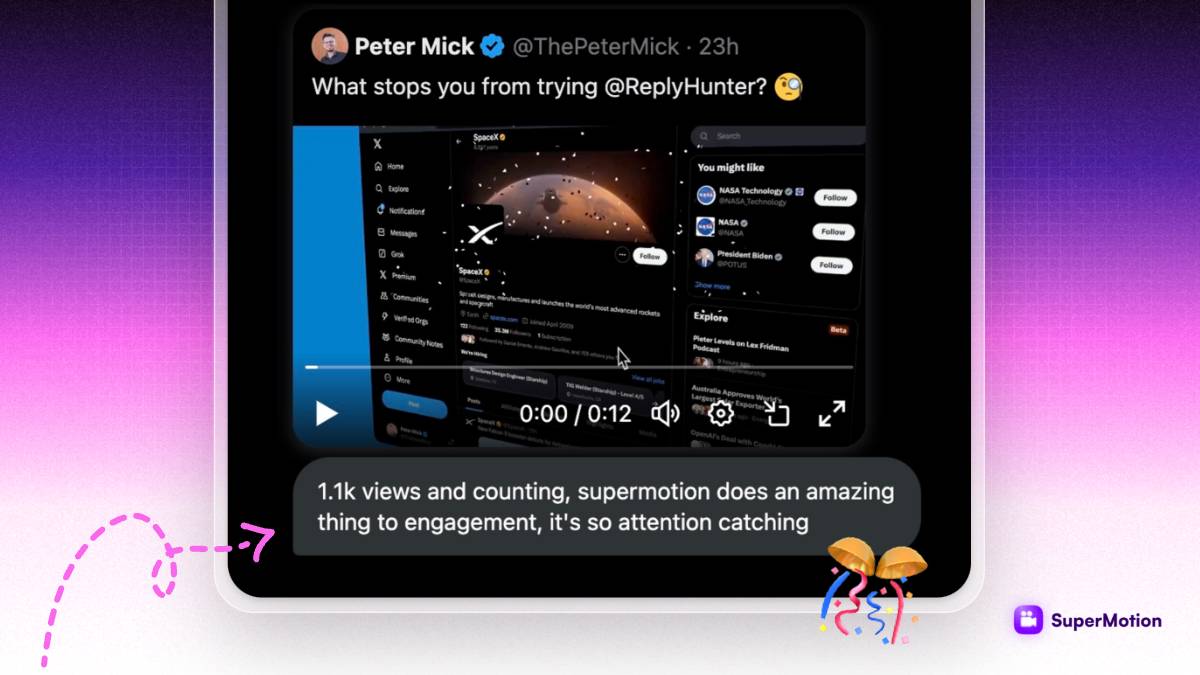
Make your content more engaging and visually appealing to increased engagement from your audience. This help to build a strong and engaged community around your SaaS product.
Twitter impressions and engagements have increased up to 7000% since I started using BrandBird.
Prathkum
DevRel at APILayer

More credibility and trust
High-quality graphics on your Twitter feed demonstrate your expertise and make your accountn look more professional, which build trust with potential customers.

Easier storytelling and communication
Beautiful graphics help to tell a story and effectively communicate the value and benefits of your SaaS product in a concise and visually appealing way.
Frequently Asked Questions
What does it mean to Build in Public?
Building in Public is a movement where founders, indie hackers, and creators share their product journey openly on social media — including revenue milestones, feature launches, lessons learned, and behind-the-scenes updates. It builds trust and attracts an engaged audience around your brand.
How can BrandBird help me Build in Public on Twitter (X)?
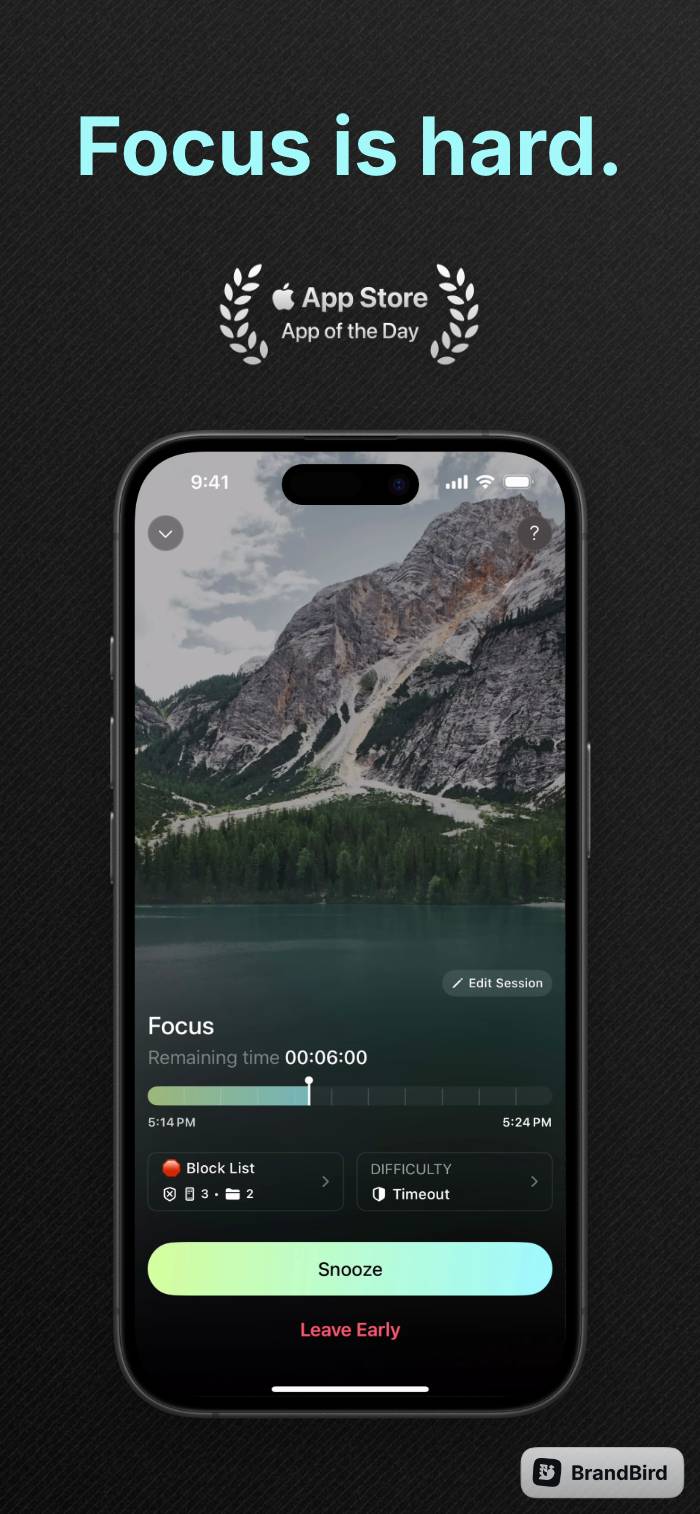
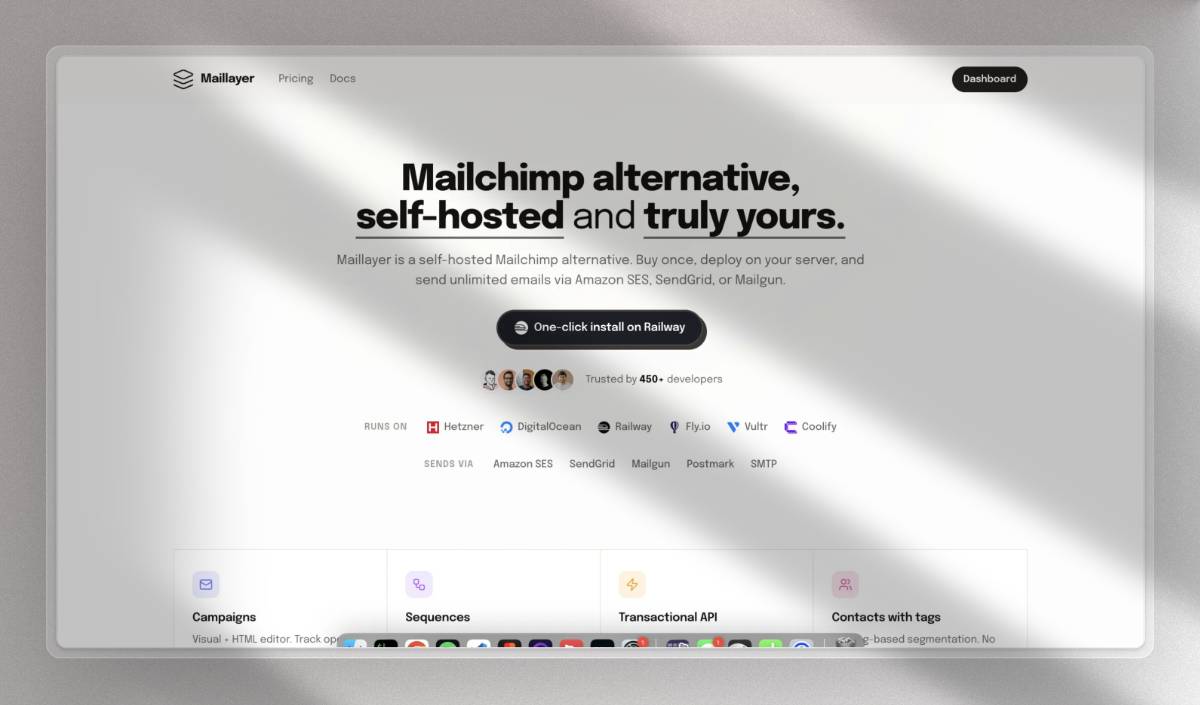
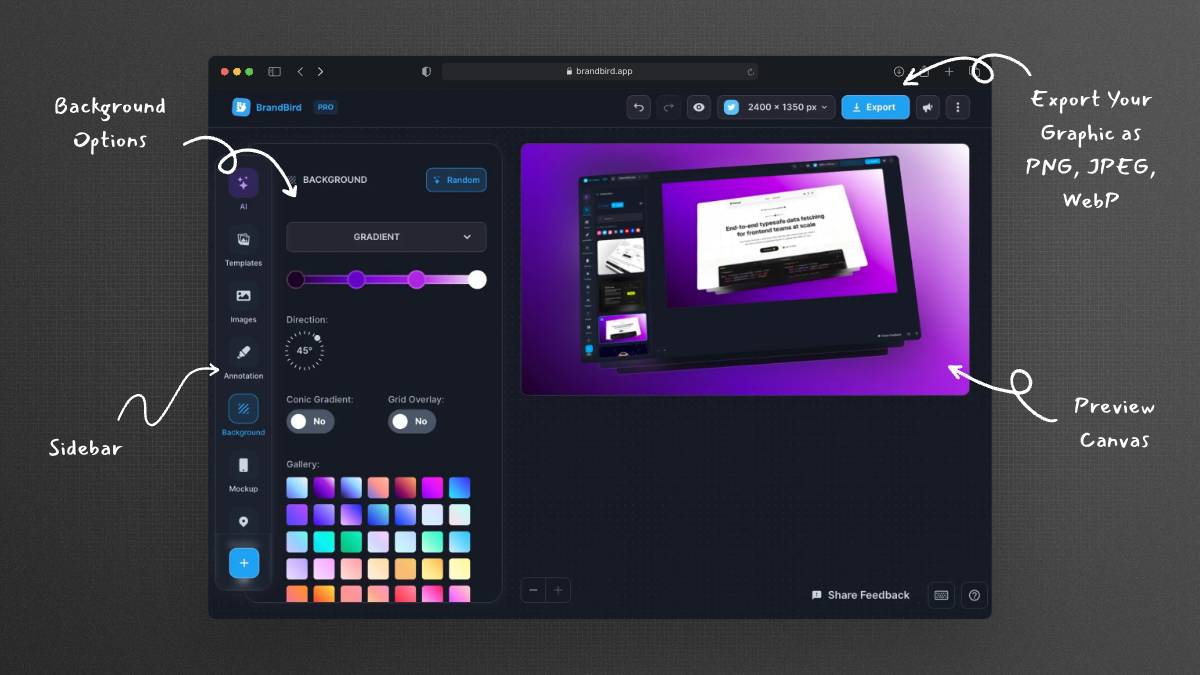
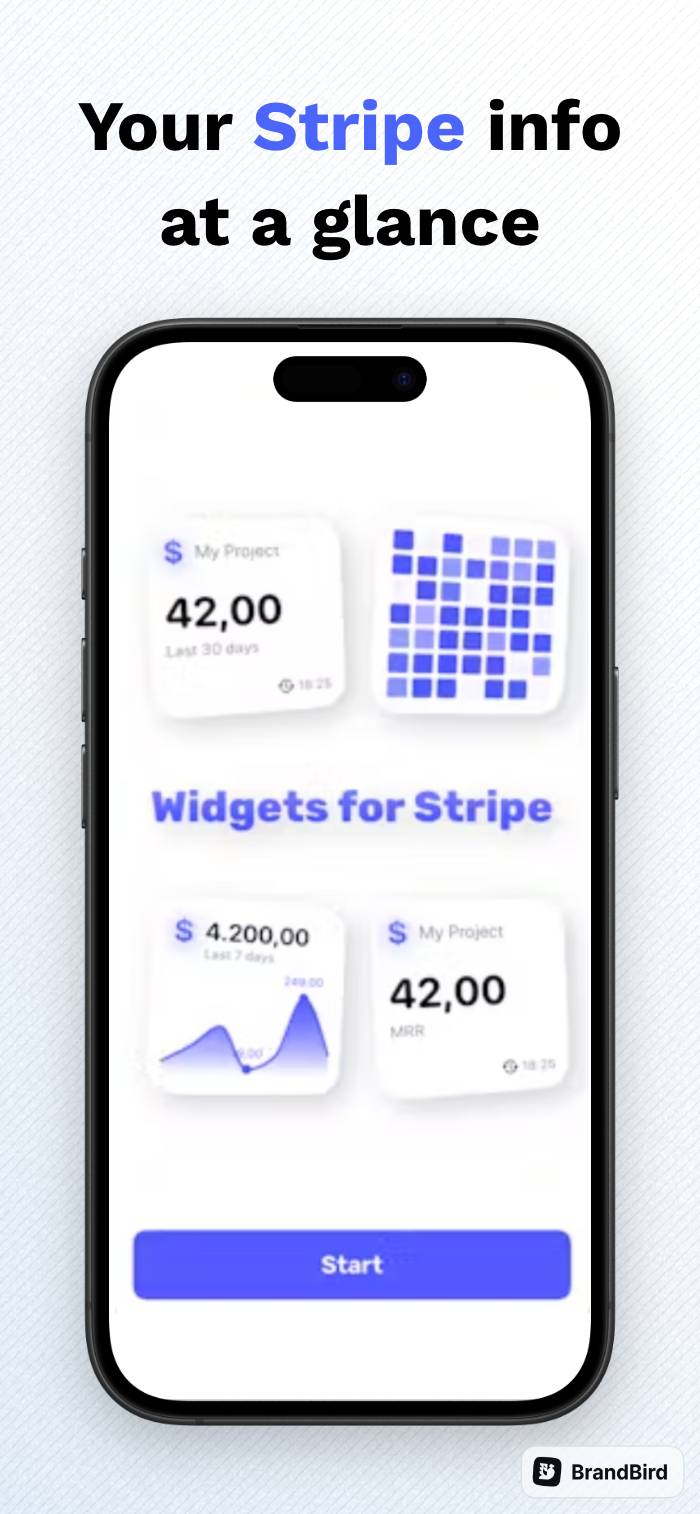
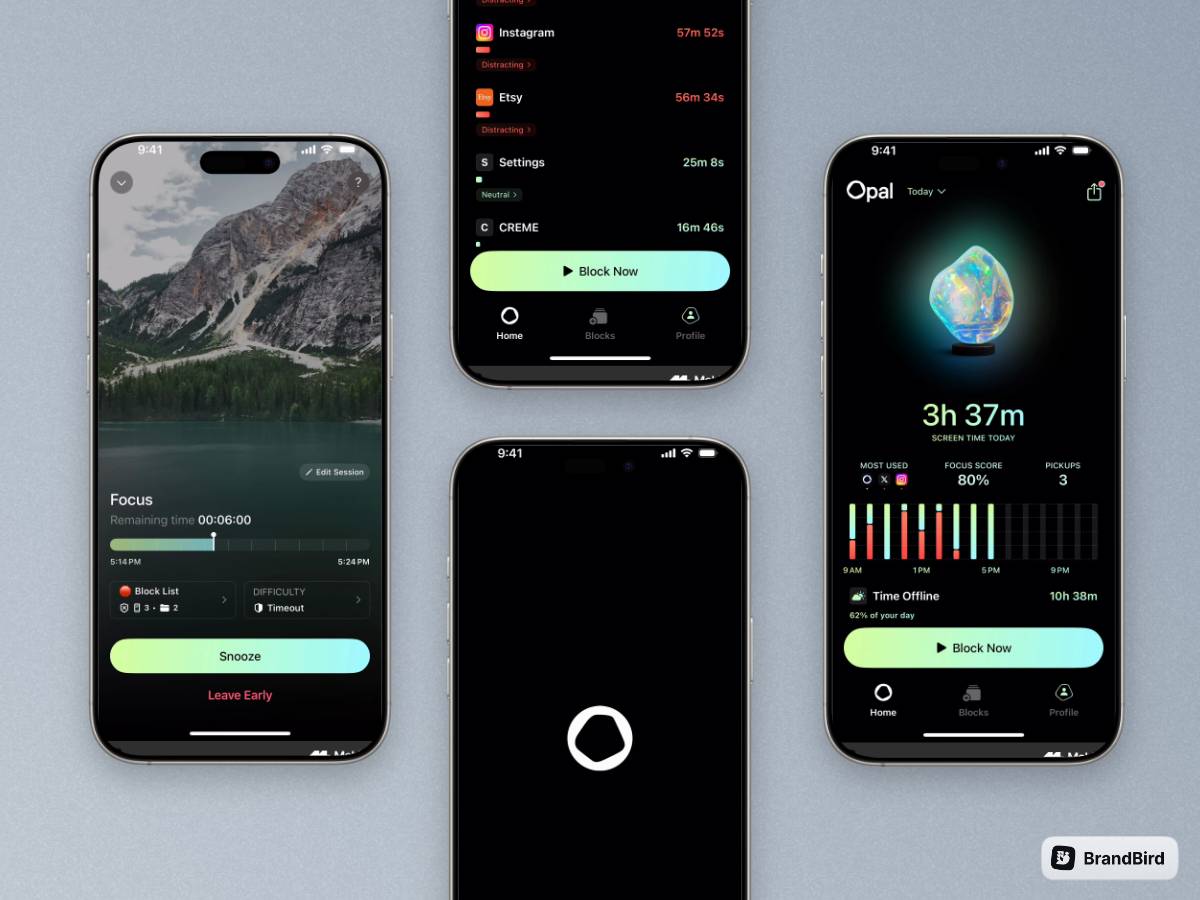
BrandBird lets you turn plain screenshots into professional-looking graphics in seconds. Share polished revenue dashboards, feature previews, user testimonials, and milestone celebrations that stand out in the Twitter feed and drive engagement.
What types of graphics should I create for Build in Public?
Common Build in Public graphics include MRR milestone screenshots, before-and-after product comparisons, feature announcement images, customer testimonial cards, weekly progress updates, and behind-the-scenes development screenshots.
How do beautiful graphics boost engagement for Build in Public?
Tweets with images get significantly more engagement than text-only posts. Polished, branded graphics grab attention in the timeline, encourage likes and retweets, and make your account look more professional — all of which help grow your audience faster.
Can I use BrandBird to create consistent branding for my Build in Public posts?
Yes. BrandBird's Brand Kit feature lets you save your brand colors, fonts, logos, and watermarks so every graphic you create is on-brand. This visual consistency makes your content instantly recognizable to your followers.
What is the best image size for Twitter (X) posts?
The optimal image size for Twitter (X) posts is 1600×900 pixels (16:9 aspect ratio) for single images, or 1200×675 pixels for shared link cards. BrandBird includes built-in social media presets so you never have to guess the dimensions.
How do I share revenue screenshots without revealing sensitive data?
BrandBird includes blur and pixelate tools that let you hide sensitive information like customer names, email addresses, or specific financial details while still showcasing your growth metrics and milestones.
Is BrandBird free for creating Build in Public graphics?
BrandBird offers a free tier with core features for creating Build in Public graphics. For advanced features like brand kits, premium backgrounds, and batch export, you can upgrade to BrandBird Pro.